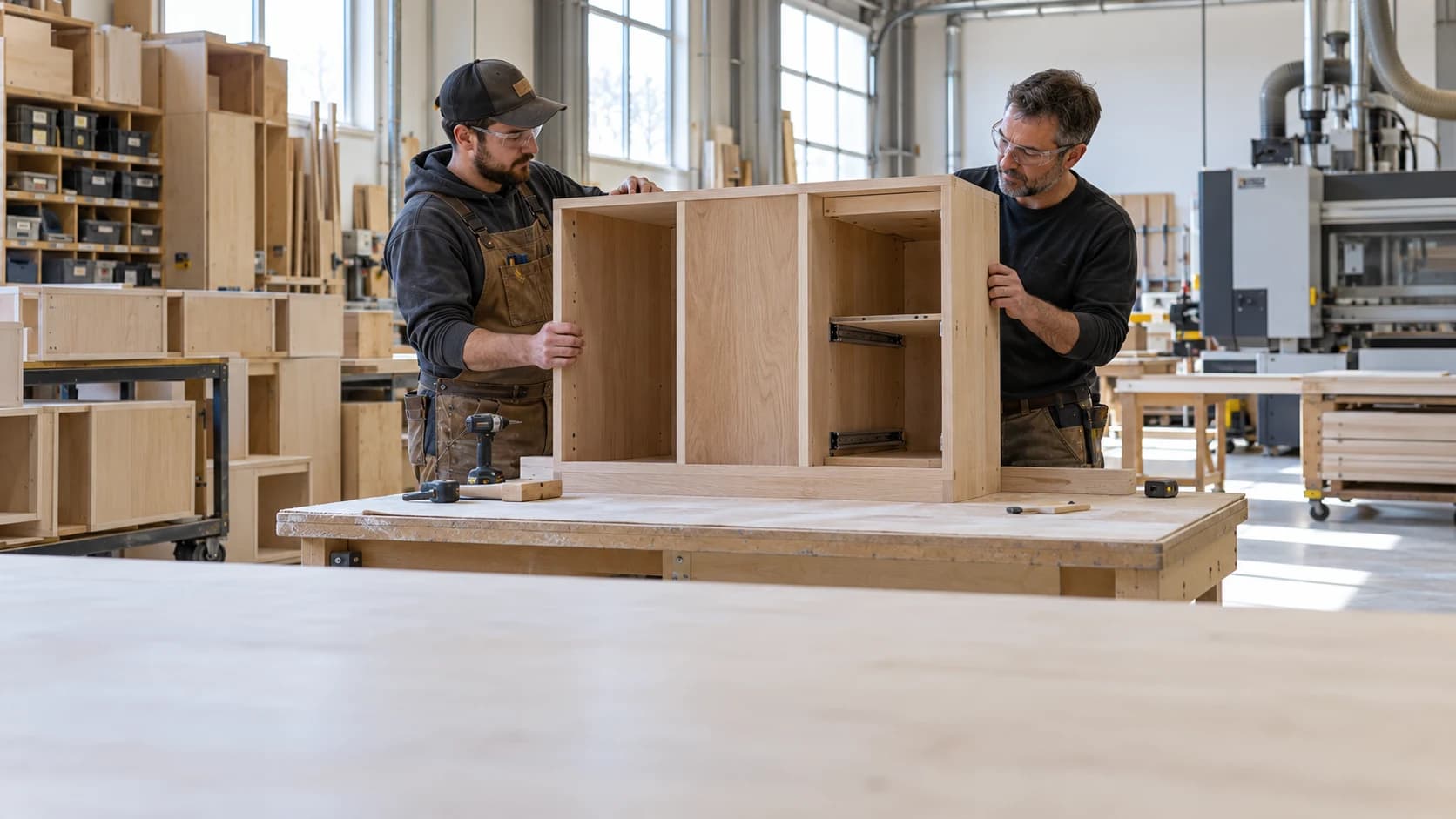
 Cabinet Shop Operations: What to Standardize First
Woodworking2 min read
Cabinet Shop Operations: What to Standardize First
Standardize the handoffs that repeatedly create confusion before documenting every activity in the business.
Archive ·A cabinet bill of materials connects an approved design to the materials needed to build it.
A Bill of Materials for Cabinets That Survives Production ChangesA cabinet bill of materials connects an approved design to the materials needed to build it. It becomes unreliable when revisions change panels or hardware but purchasing and production keep using an older list. Treat revision identity as part of the material requirement.
A hypothetical order of ten cabinets needs twenty doors. If the design changes to three doors per cabinet, the door requirement becomes thirty. Recheck hinge and machining requirements too; changing only the door count leaves an incomplete revision.
Have production compare one assembly against the drawing and purchasing compare the order units against supplier packaging. Store the approved snapshot so a later correction has a clear starting point.
A bill of materials should describe what the approved assembly needs. Purchasing then determines how those requirements map to stock sizes, pack quantities, and supplier orders. Mixing those decisions makes it hard to explain a quantity change. If a cabinet needs four hinges but the supplier sells cartons of fifty, the assembly still requires four; the purchase order solves the packaging constraint.
The same principle applies to sheet materials. Net panel area is useful for understanding the design, while the cutting plan determines how panels fit into available sheets. Grain direction, face matching, defects, and machine constraints can change the purchase requirement without changing the finished cabinet. Keep the connection visible rather than inserting an unexplained extra quantity into each cabinet line.
When a drawing changes, compare old and new requirements before issuing the replacement list. Identify components already ordered, already cut, and already installed. Those states require different decisions. A changed hinge may be easy to substitute before purchasing and costly after machining.
A revision log can capture the changed component, previous requirement, new requirement, affected quantity, approval, and action owner. Preserve the old approved snapshot for traceability while making the current release unmistakable. A shared folder containing several files named “final” is not a reliable revision method.
For repeated rooms or units, verify one complete assembly before multiplying the requirements. Check that accessories, mounting plates, fasteners, and installation items have not disappeared between design and estimating. Then test the multiplication against the room schedule. Repeated components save work only when the template and the project quantity are both correct.
For a cabinet or millwork project, Millbase project tracking connects the job, sub-projects, tags, recorded labour, and material costs. Pair that context with inventory records when reviewing the materials used and the work still being discussed. Keep the approved drawings and manufacturer requirements available through the shop’s established document process.
Ask the Millbase AI agent a question grounded in your workspace records. For example: “Show the recorded labour and material costs for this cabinet project, and who has worked on it.” You can select a project or worker, ask follow-up questions, and request supported reports and CSV exports.
Use the answer to prepare a focused review of the job. It does not establish hardware compatibility, approve a drawing revision, or replace a manufacturer’s instructions or the contract specification.
No. A cut list describes pieces to produce, while a bill of materials also captures hardware and other inputs. They should share job and revision identifiers.
Keep the net requirement and allowance distinguishable. Otherwise later teams cannot tell whether extra material reflects design demand, waste, or a purchasing constraint.

Writing about woodworking, millwork, and the operations behind a better-run shop.
Connect on LinkedInExplore how Millbase connects projects, people, inventory, and labor records.
Book a live demoCabinet Shop Operations: What to Standardize FirstStandardize the handoffs that repeatedly create confusion before documenting every activity in the business.
Archive ·Woodworking Process Documentation That Operators Will UseUseful process documentation supports the decision at the point of work.
Archive ·Cabinet Door and Drawer Front IdentificationDoors and drawer fronts often remain separate from their cabinet boxes through machining, finishing, and assembly.
Archive ·