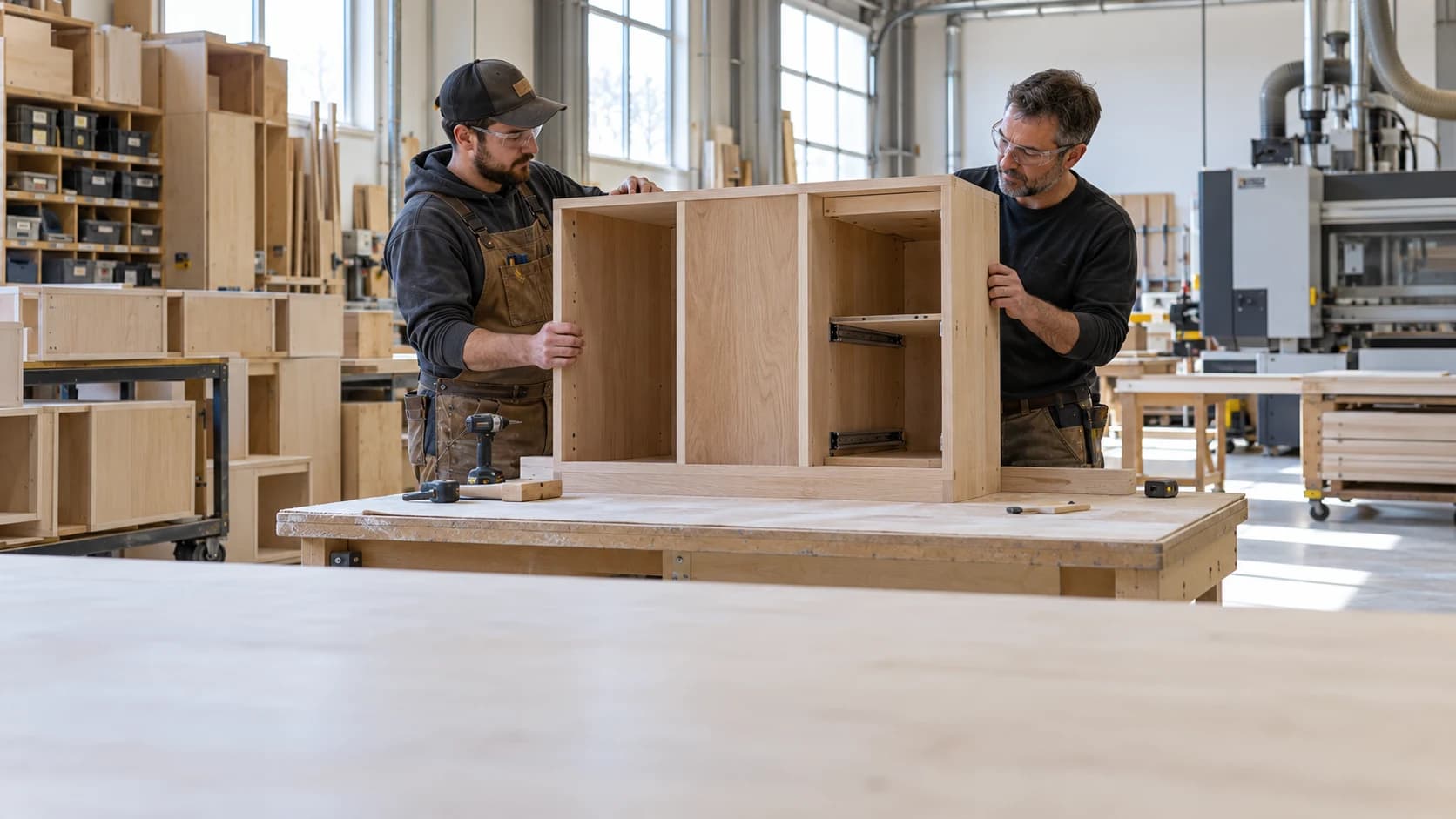
 Cabinet Shop Operations: What to Standardize First
Woodworking2 min read
Cabinet Shop Operations: What to Standardize First
Standardize the handoffs that repeatedly create confusion before documenting every activity in the business.
Archive ·CNC program control connects the intended design with the file actually used for production.
CNC Program Revisions and Cabinet Job TraceabilityCNC program control connects the intended design with the file actually used for production. A familiar filename is not enough when revisions change. Maintain a clear relationship among the approved drawing, program version, material, and released job.
A hypothetical panel pattern changes after a hardware substitution. Updating the drawing while leaving the old program active creates competing instructions. Confirm the program, setup documentation, and first-piece requirements before the revised run proceeds.
Retain the version used for completed work so later rework or replacements can be understood. Follow machine-specific instructions and qualified programming procedures for execution.
For a cabinet or millwork project, Millbase project tracking connects the job, sub-projects, tags, recorded labour, and material costs. Pair that context with inventory records when reviewing the materials used and the work still being discussed. Keep the approved drawings and manufacturer requirements available through the shop’s established document process.
Ask the Millbase AI agent a question grounded in your workspace records. For example: “Show the recorded labour and material costs for this cabinet project, and who has worked on it.” You can select a project or worker, ask follow-up questions, and request supported reports and CSV exports.
Use the answer to prepare a focused review of the job. It does not establish hardware compatibility, approve a drawing revision, or replace a manufacturer’s instructions or the contract specification.
For the broader workflow and decisions behind this guide, read A Bill of Materials for Cabinets That Survives Production Changes.
Use an authorized change process with version control and verification. Unrecorded local fixes can disappear or be reused on the wrong job.
No. Keep the name readable and connect it to a controlled record containing the required job and revision information.

Writing about woodworking, millwork, and the operations behind a better-run shop.
Connect on LinkedInExplore how Millbase connects projects, people, inventory, and labor records.
Book a live demoCabinet Shop Operations: What to Standardize FirstStandardize the handoffs that repeatedly create confusion before documenting every activity in the business.
Archive ·Woodworking Process Documentation That Operators Will UseUseful process documentation supports the decision at the point of work.
Archive ·Cabinet Door and Drawer Front IdentificationDoors and drawer fronts often remain separate from their cabinet boxes through machining, finishing, and assembly.
Archive ·