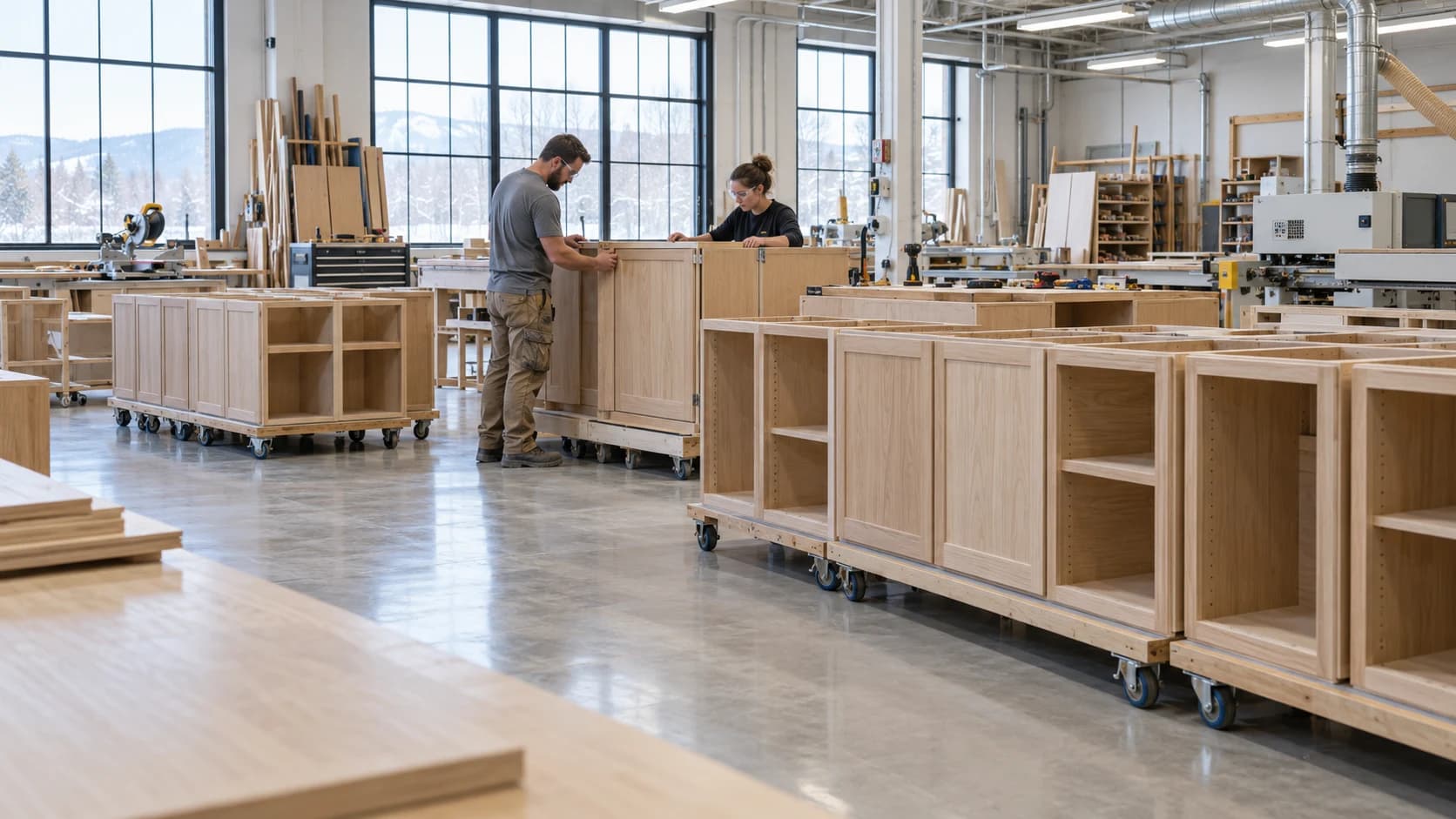
 Customer Updates Based on Actual Cabinet Job Progress
Production2 min read
Customer Updates Based on Actual Cabinet Job Progress
A useful customer update connects progress with the agreed scope and next commitment.
Archive ·Compare manual and digital scheduling for millwork, including visibility, update effort, capacity, and material readiness.
Digital vs Manual: Millwork Scheduling Methods ComparedProduction scheduling is often the silent bottleneck in many millwork shops, directly impacting profitability and project timelines. Inefficient scheduling leads to material waste, missed deadlines, and costly crew idle time, eroding margins and client trust.
This comparison will delve into the fundamental differences between traditional manual scheduling and modern digital methods. It will help millwork shop owners and production managers running 10-30 concurrent jobs who currently use spreadsheets or whiteboards and spend 5+ hours per week on schedule updates and firefighting, determine the best approach for their operations.
Millwork scheduling methods are the systems and processes shops use to allocate resources, manage job sequences, and track progress for custom cabinetry, casework, and architectural millwork projects.
Manual scheduling typically relies on familiar, low-tech tools like Excel trackers, wall calendars, and physical job boards. These methods offer immediate flexibility and require no steep learning curve, making them accessible to any shop.
However, the simplicity of manual methods quickly breaks down as a shop grows beyond 5-10 concurrent jobs. Key challenges include:
Version Control: Multiple copies of a schedule lead to confusion and errors.
Real-Time Visibility: Updates on a whiteboard aren't instantly accessible to everyone on the shop floor or off-site.
Scaling Limitations: Managing more than a handful of projects manually becomes a full-time job, leading to significant hidden time costs.
Manual updates can cause "missed downtime reasons, incorrect quantities, and inconsistent logs" that distort planning, making them a "competitive liability" according to Procuzy.
Digital scheduling for millwork centralizes all job data within specialized software, providing automated updates and mobile access for all team members. This approach moves beyond basic task management to comprehensive production oversight.
Drag-and-Drop Scheduling: Easily adjust timelines and resource allocations.
Capacity Planning: Visualize workload across all work centers to prevent bottlenecks.
Material Readiness Tracking: Ensure materials are on-site before a job starts, reducing idle time.
Installer Coordination: Seamlessly connect shop production to on-site installation schedules.
Digital systems, especially those with AI integration, can cut planning costs by up to 30%, according to Simio experts. They also enable dynamic resource allocation, helping shops like a high-end casework producer decrease production time by 30% through software integration.
Comparing manual and digital scheduling reveals stark differences in operational efficiency and growth potential.
Manual scheduling is prone to human error and latency, leading to frequent inaccuracies. Digital systems, leveraging real-time data, achieve significantly higher accuracy, with AI inspection systems achieving 99.97% accuracy in defect detection in related manufacturing contexts per a 2025 CTA report.
Manual schedules demand significant daily time investment for updates and adjustments, often 5+ hours per week for shops with 15+ jobs. Digital software automates many of these tasks, shifting human input to optimization rather than manual generation as noted by User Solutions.
Manual methods provide fragmented visibility, often requiring physical checks or phone calls to confirm status. Digital systems offer real-time, centralized visibility to all stakeholders, accessible from any device.
Manual scheduling becomes a severe bottleneck as job volume increases, with efficiency plummeting beyond 5-8 concurrent jobs. Digital solutions are built for scale, easily managing dozens or hundreds of projects without a proportional increase in scheduling effort.
While manual methods have zero direct software costs, they incur substantial hidden costs from errors, rework, idle time, and dedicated staff hours for scheduling. Digital software has subscription costs (typically $50-$500/user/month for business plans according to PlanningPME) but delivers measurable ROI through improved resource utilization and reduced waste.
Manual systems provide little to no data for performance analysis or process improvement. Digital platforms automatically track actual production times, identify bottlenecks, and provide insights for continuous optimization, leading to 5-7% monthly cost reductions via digital twin scheduling.
Manual systems struggle with rapid changes, often requiring extensive rework of entire schedules. Digital software allows for quick, dynamic adjustments, recalculating dependencies and resource allocations in minutes.
This table compares the two scheduling approaches across the factors that matter most to millwork production managers. Use it to identify which pain points in your current process could be solved by switching methods.
Factor | Manual Methods (Spreadsheets/Whiteboards) | Impact on Daily Operations | |
|---|---|---|---|
Setup & Learning Curve | Low setup, immediate comprehension. | 2-4 weeks for full adoption, initial slowdown. | Initial productivity dip with digital, long-term efficiency gain. |
Real-Time Visibility Across Teams | Limited; requires physical checks or calls. | High; all data accessible instantly on any device. | Reduced miscommunication, fewer delays. |
Time to Update Schedule Daily | High; hours spent modifying and communicating changes. | Low; automated adjustments, quick drag-and-drop. | Significant time savings for management. |
Handling Rush Orders/Changes | Disruptive; often requires recreating parts of the schedule. | Dynamic; system recalculates dependencies rapidly. | Faster adaptation, less chaos. |
Tracking Actual vs Estimated Times | Manual logging, prone to errors, hard to analyze. | Automated data capture, detailed analytics. | Improved job costing, better future estimates. |
Scalability (10 vs 30 Jobs) | Breaks down; overwhelming complexity. | Handles increased volume efficiently. | Enables growth without proportional staff increase. |
Mobile Access for Crew | Non-existent; requires office visits or printouts. | Full access to assignments and progress via mobile. | Empowered crew, reduced inquiries to management. |
Cost (Time + Money) | Low direct cost, high hidden costs from inefficiency. | Subscription fees, significant ROI from efficiency gains. | Digital pays for itself through saved labor and reduced errors. |
Consider the "3-Week Adoption Curve" framework: Digital scheduling feels slower in week 1 (learning), breaks even in week 3 (proficiency), and shows 40% time savings by week 5 (mastery).
Let's examine a common scheduling conflict—a rush order with material delays on a Monday morning—in two shops, one manual and one digital.
At 7:00 AM, a shop manager with 15 active jobs using Excel and a whiteboard learns a critical material shipment for Job #10 is delayed by two days. A new rush order, Job #16, needs to start immediately.
7:05 AM: Manager manually updates Excel, then walks to the whiteboard to erase and rewrite Job #10's tasks.
7:30 AM: Manager informs the lead for Job #10, who then tells their crew.
7:45 AM: Manager calls the client for Job #10 to explain the delay.
8:00 AM: Manager tries to find an available crew for Job #16, realizing the crew originally scheduled for Job #10 is now idle.
8:30 AM: After several calls and physical checks, a new crew is assigned to Job #16, and the idle crew is given a less urgent task.
This "firefighting" consumed over 1.5 hours, causing delays, miscommunication, and potential crew frustration.
7:09 AM: All crew members for Job #10 and the newly assigned crew for Job #16 receive instant mobile notifications of their updated schedules.
The entire process took less than 10 minutes. The compounding effect over months is substantial: hours saved, errors avoided, and significantly better crew utilization, contributing to the 20-80% gains in efficiency seen with digital systems in manufacturing benchmarks.
Manual scheduling can still be viable for specific scenarios, though with inherent limitations.
Very Small Shops: Shops with under 5 concurrent jobs and stable, predictable workflows may not immediately feel the pain points of manual methods.
Limited Tech Readiness: Shops with an older workforce or low tech adoption readiness might find the transition challenging without adequate support.
Transition Periods: Manual methods can serve as a backup while implementing a new digital system, but running parallel systems long-term creates version control issues.
Even for small operations under 50 jobs/week, manual scheduling via spreadsheets is viable but requires 1-4 hours of weekly maintenance according to Epoptia. However, this approach limits growth and data insights.
Transitioning from manual to digital scheduling is an investment in future efficiency.
Typical Implementation Timeline: Expect 2-4 weeks from initial setup to full team adoption.
The Learning Curve Reality: The first week often feels slower as teams learn the new system. Week three typically marks the break-even point in productivity, and by week five, shops often see significant time savings and efficiency gains.
Change Management: Getting crew buy-in is crucial. Highlight how digital tools empower them with real-time information, reducing uncertainty and questions.
Millwork shops can experience ROI within months of implementing digital scheduling and takeoff tools due to reduced labor costs.
Manual scheduling is prone to errors, lacks real-time visibility, and struggles to scale beyond a few concurrent jobs.
Digital millwork software centralizes data, automates updates, and provides real-time visibility across all teams.
The "3-Week Adoption Curve" demonstrates that initial learning gives way to significant productivity gains by week 5.
Digital systems drastically reduce the time spent on daily schedule adjustments and improve recovery from disruptions.
While manual methods suit very small, stable shops, digital solutions are essential for growth and efficiency in most millwork operations.
The choice between digital and manual scheduling hinges on your shop's current pain points, growth ambitions, and tolerance for inefficiency. Calculate the actual cost of manual scheduling—including labor hours spent on updates, error correction, and idle time—to reveal its true expense.
A woodworking schedule is easier to review when the team can see the work already recorded. Millbase Floor Pulse shows active workers, projects, workstations, and elapsed time. Pair it with project records to discuss a delayed cabinet order with the people and work behind it, and compare logged labour with the estimate.
Ask the Millbase AI agent a question grounded in your workspace records. For example: “Who is working on this project, at which workstations, and how many hours have been recorded?” You can select a project or worker, ask follow-up questions, and request supported reports and CSV exports.
Use the breakdown to prepare the next production conversation. Current activity and recorded hours are evidence for planning; they do not by themselves prove that an assembly has passed inspection or is ready to ship.
For the broader workflow and decisions behind this guide, read Production Scheduling for Custom Cabinetry.
Digital scheduling centralizes all job data in software with real-time updates accessible to all teams, while manual methods use spreadsheets, whiteboards, or paper that require manual updates and don't sync across locations.
Digital scheduling typically saves 8-12 hours per week for shops managing 15+ concurrent jobs, by automating tasks like updating schedules, communicating changes, and resolving conflicts.
Yes, manual scheduling can be sufficient for shops with under 5-8 concurrent jobs and stable workflows, but it creates a growth ceiling and becomes inefficient as job volume or complexity increases.
Digital scheduling software generally costs $50-$500 per user per month for business plans, while manual methods have no direct software cost but incur significant hidden costs from labor hours, errors, and rework.
The transition from manual to digital scheduling typically takes 2-4 weeks from setup to full team adoption, with initial productivity feeling slower in week one, breaking even by week three, and showing significant time savings by week five.
While a hybrid approach can serve during a transition period, running parallel manual and digital systems long-term is not recommended, as it creates version control issues and negates the efficiency benefits of digital adoption.
Millbase connects projects, people, workstations, recorded labour, material costs, and inventory. The Millbase AI agent can answer questions from workspace records and produce supported reports. Evaluate those workflows with a representative cabinet job and confirm any additional requirements in a demonstration.
Crews access digital schedules via mobile devices or strategically placed tablet stations on the shop floor, allowing them to view their assignments, track progress, and receive real-time updates without needing to consult a manager or return to the office.
Millbase connects projects, people, workstations, recorded labour, material costs, and inventory. The Millbase AI agent can answer questions from workspace records and produce supported reports. Evaluate those workflows with a representative cabinet job and confirm any additional requirements in a demonstration.
Common mistakes include not updating schedules in real-time, failing to track material readiness, neglecting to capture actual production times, and poor communication between office and shop floor crews.

Writing about woodworking, millwork, and the operations behind a better-run shop.
Connect on LinkedInExplore how Millbase connects projects, people, inventory, and labor records.
Book a live demoCustomer Updates Based on Actual Cabinet Job ProgressA useful customer update connects progress with the agreed scope and next commitment.
Archive ·Managing Planned Maintenance in a Cabinet Production SchedulePlanned maintenance consumes capacity and should be visible before jobs are promised.
Archive ·Shift Handoffs in a Woodworking FactoryA shift handoff should preserve the state of work, open problems, and the next safe authorized action.
Archive ·