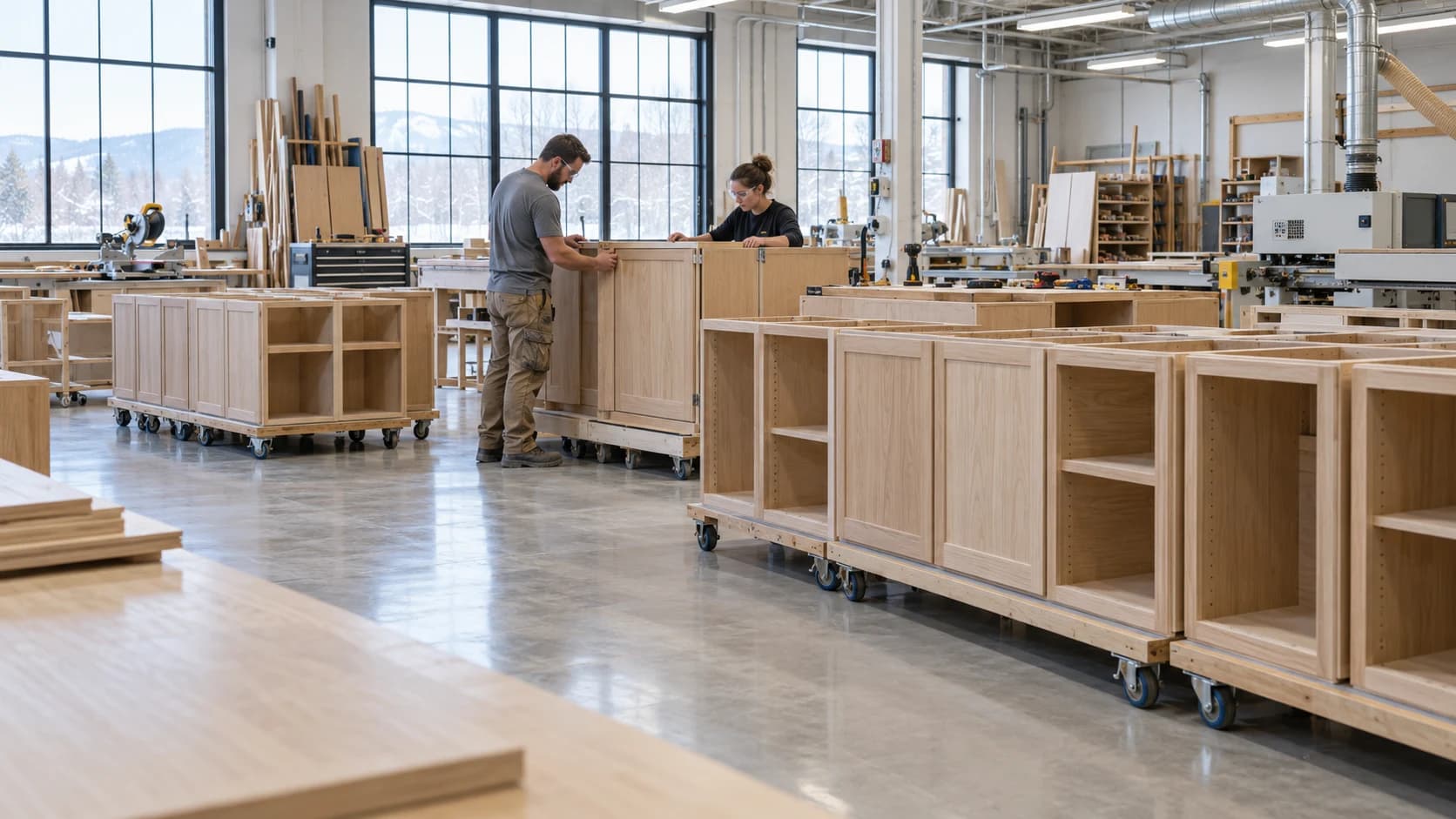
 Customer Updates Based on Actual Cabinet Job Progress
Production2 min read
Customer Updates Based on Actual Cabinet Job Progress
A useful customer update connects progress with the agreed scope and next commitment.
Archive ·A cabinet production schedule should show what can start, what is blocked, and which scarce resource determines delivery.
Production Scheduling for Custom CabinetryA cabinet production schedule should show what can start, what is blocked, and which scarce resource determines delivery. Loading every accepted order onto the floor creates visible activity without proving that work can finish. Schedule released work against real capacity and material readiness.
A hypothetical finishing area has 30 available labor hours this week and jobs requiring 18, 10, and 12 hours. The total is 40 hours. The schedule needs an explicit decision about timing, scope, capacity, or delivery; moving all three cards into production does not remove the ten-hour gap.
Compare completed, accepted work with the plan. If stations stay busy while finished orders fall behind, inspect work-in-progress and handoffs rather than demanding more starts.
A job is ready to start when its prerequisites are satisfied. Define those prerequisites for the work: current approved drawings, usable materials, confirmed finish requirements, suitable labour, and a destination for completed components. A start date on a board does not establish any of them.
Distinguish a planned job from a released job. Keep blocked work visible with an owner and a specific next action, such as confirming a hardware substitution or approving a sample. This prevents the floor from starting easy fragments of every order while complete assemblies remain impossible to finish.
Identify the station or skill that currently limits completion. It may be machining for one mix of work and finishing or installation for another. Estimate the ready workload at that resource, including setup and inspection, then sequence the surrounding operations so the right work arrives in time.
Do not assume two workers create twice the usable capacity. The task may require one machine, a shared fixture, or a qualified operator. Likewise, elapsed drying or waiting time occupies the schedule differently from hands-on labour. Keep these quantities distinct when checking a delivery promise.
Choose a short planning window during which changes require an explicit tradeoff. If an urgent order enters that window, name the work it displaces and communicate the resulting commitment. A schedule that can be changed by any interruption is difficult to use for purchasing, staffing, or customer updates.
At the daily review, compare accepted completions with the plan and inspect the oldest blocked jobs. Replanning is useful when new information changes a decision. Reordering the whole board every morning without addressing the constraint simply changes the appearance of the queue.
A woodworking schedule is easier to review when the team can see the work already recorded. Millbase Floor Pulse shows active workers, projects, workstations, and elapsed time. Pair it with project records to discuss a delayed cabinet order with the people and work behind it, and compare logged labour with the estimate.
Ask the Millbase AI agent a question grounded in your workspace records. For example: “Who is working on this project, at which workstations, and how many hours have been recorded?” You can select a project or worker, ask follow-up questions, and request supported reports and CSV exports.
Use the breakdown to prepare the next production conversation. Current activity and recorded hours are evidence for planning; they do not by themselves prove that an assembly has passed inspection or is ready to ship.
Not necessarily. Extra queues consume space and can conceal missing components. Keep enough ready work to support flow without releasing orders that cannot progress.
Review immediate blockers daily and capacity commitments on a regular planning cycle. Avoid rebuilding the entire plan for every small interruption.

Writing about woodworking, millwork, and the operations behind a better-run shop.
Connect on LinkedInExplore how Millbase connects projects, people, inventory, and labor records.
Book a live demoCustomer Updates Based on Actual Cabinet Job ProgressA useful customer update connects progress with the agreed scope and next commitment.
Archive ·Managing Planned Maintenance in a Cabinet Production SchedulePlanned maintenance consumes capacity and should be visible before jobs are promised.
Archive ·Shift Handoffs in a Woodworking FactoryA shift handoff should preserve the state of work, open problems, and the next safe authorized action.
Archive ·