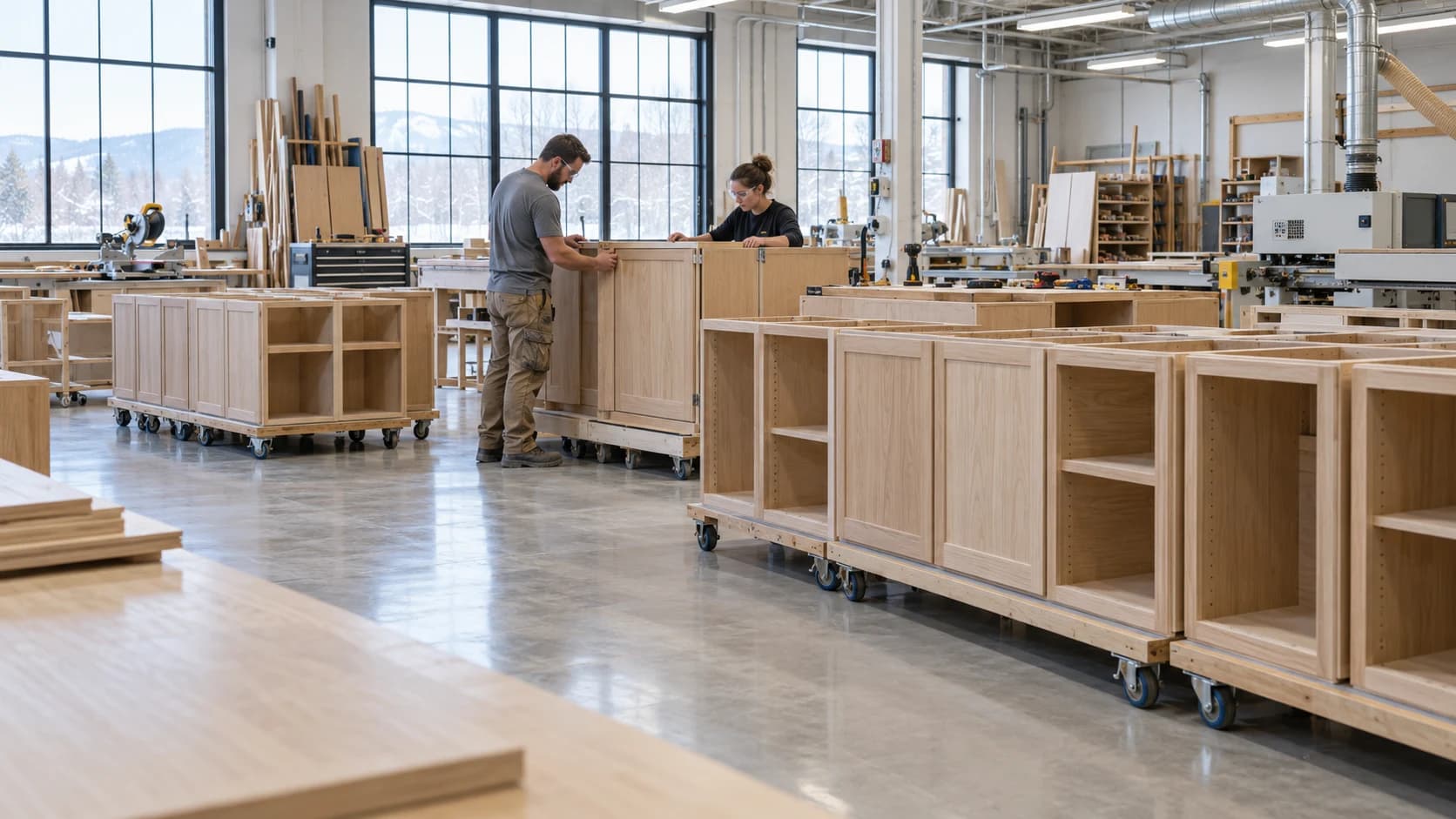
 Customer Updates Based on Actual Cabinet Job Progress
Production2 min read
Customer Updates Based on Actual Cabinet Job Progress
A useful customer update connects progress with the agreed scope and next commitment.
Archive ·Hardware kitting brings the required components together before an assembly reaches the bench.
Cabinet Hardware Kitting Before AssemblyHardware kitting brings the required components together before an assembly reaches the bench. A complete kit reduces searching, but a sealed bag is not proof that its contents match the drawing. Use a revision-specific list and a visible exception process.
For an illustrative ten-cabinet run, kit one cabinet first and have an assembler check it against the drawing. If a mounting plate is missing, correct the list before preparing the remaining nine kits. The pilot tests the requirement, not just the picker.
Track incomplete kits reaching the bench and the reason for each miss. If shortages repeatedly come from the same specification change, repair the revision handoff instead of increasing kit inspections indefinitely.
Choose whether a kit serves one cabinet, one room, or a production batch. Match that boundary to how the floor works. A room kit may simplify installation, while a large mixed batch can make it harder to identify a missing mounting plate at assembly. Label the kit with job, destination, drawing revision, and the person or station receiving it.
Keep visually similar variants distinguishable. A hinge body, matching mounting plate, and required fasteners should be checked as an assembly rather than treated as unrelated stock picks. Where manufacturer compatibility matters, use the current approved specification.
Check required quantities against the released bill of materials. If something is missing, show the exact line, expected date, and decision owner. An incomplete kit may still be released deliberately, but the shortage should travel with it rather than being discovered after the cabinet occupies a bench.
When a job changes, retrieve or update affected kits. Return removed components through the normal stock process and record replacements. Otherwise the inventory balance and the physical kit diverge at the moment the team most needs a reliable answer.
A woodworking schedule is easier to review when the team can see the work already recorded. Millbase Floor Pulse shows active workers, projects, workstations, and elapsed time. Pair it with project records to discuss a delayed cabinet order with the people and work behind it, and compare logged labour with the estimate.
Ask the Millbase AI agent a question grounded in your workspace records. For example: “Who is working on this project, at which workstations, and how many hours have been recorded?” You can select a project or worker, ask follow-up questions, and request supported reports and CSV exports.
Use the breakdown to prepare the next production conversation. Current activity and recorded hours are evidence for planning; they do not by themselves prove that an assembly has passed inspection or is ready to ship.
For the broader workflow and decisions behind this guide, read Production Scheduling for Custom Cabinetry.
Reserve components when the job reaches the agreed release stage and requirements are sufficiently stable. Keep the reservation visible to purchasing and other jobs.
Return identifiable, usable parts with a recorded quantity and location. Quarantine mixed or damaged parts until they can be checked.

Writing about woodworking, millwork, and the operations behind a better-run shop.
Connect on LinkedInExplore how Millbase connects projects, people, inventory, and labor records.
Book a live demoCustomer Updates Based on Actual Cabinet Job ProgressA useful customer update connects progress with the agreed scope and next commitment.
Archive ·Managing Planned Maintenance in a Cabinet Production SchedulePlanned maintenance consumes capacity and should be visible before jobs are promised.
Archive ·Shift Handoffs in a Woodworking FactoryA shift handoff should preserve the state of work, open problems, and the next safe authorized action.
Archive ·